How It Works
Five Steps to Review Domination
From first login to a full review pipeline — here's exactly how Profile Rankings works, step by step.
Step 1
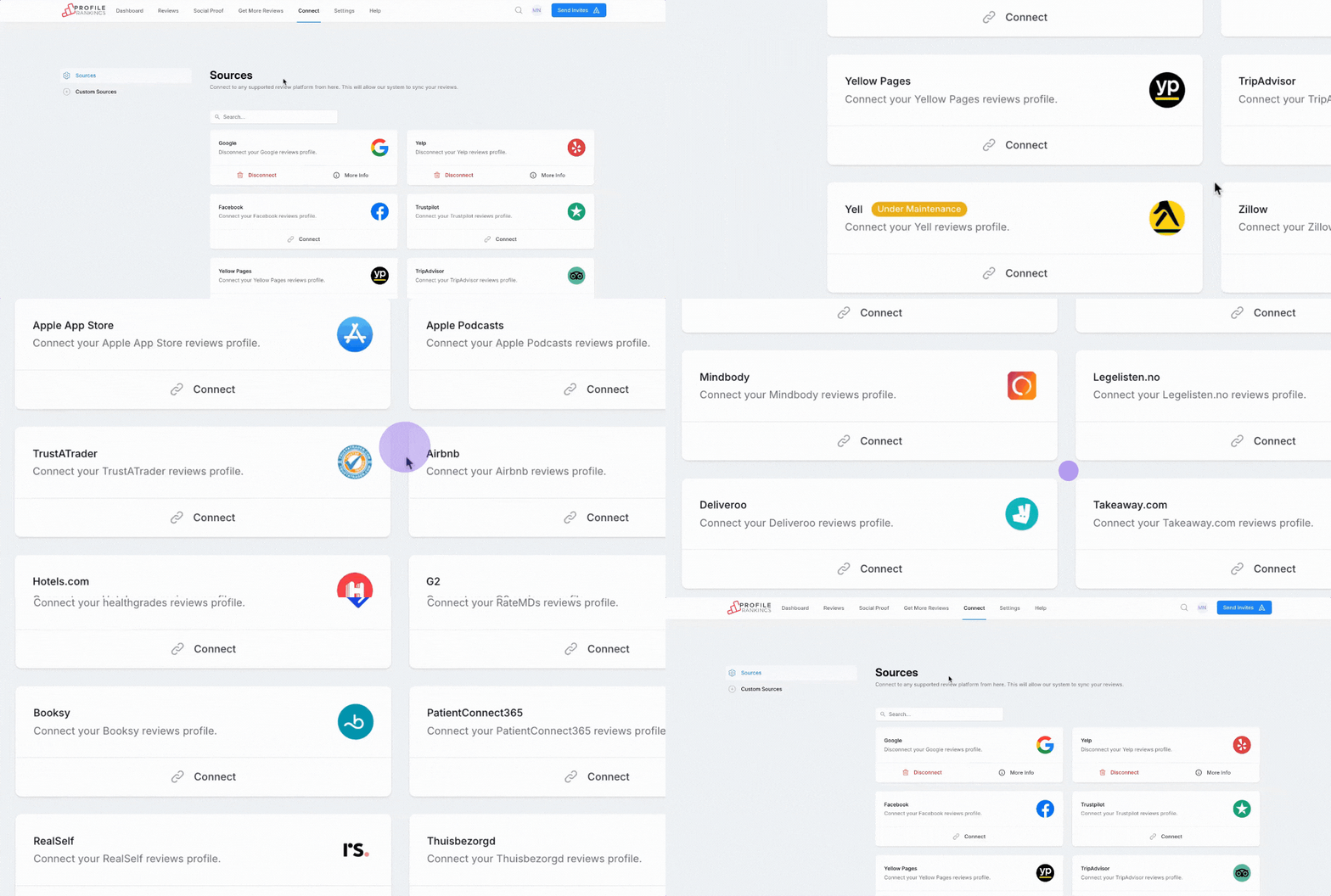
Connect Your Platforms
Link your Google Business Profile, Yelp, Facebook, and 40+ other review sites in minutes. No technical setup required.
- Connect Google, Yelp, Facebook, Trustpilot, and 40+ more
- No technical setup — just sign in to each account
- Import existing reviews instantly
- Set up location profiles for each business
Step 2
Launch Review Campaigns
Send personalized SMS and email requests to your customers automatically after every transaction.
- Use our visual builder to design branded campaigns
- Choose SMS, email, or both
- Set triggers: post-purchase, post-service, custom
- Schedule or send instantly
Step 3
Collect More Reviews
Customers leave reviews on the platforms that matter most to your search rankings with one-click ease.
- Customers get a frictionless 1-click experience
- Smart routing sends them to the right platform
- Mobile-optimized review flow
- Automated reminders for non-responders
Step 4
Analyze & Respond
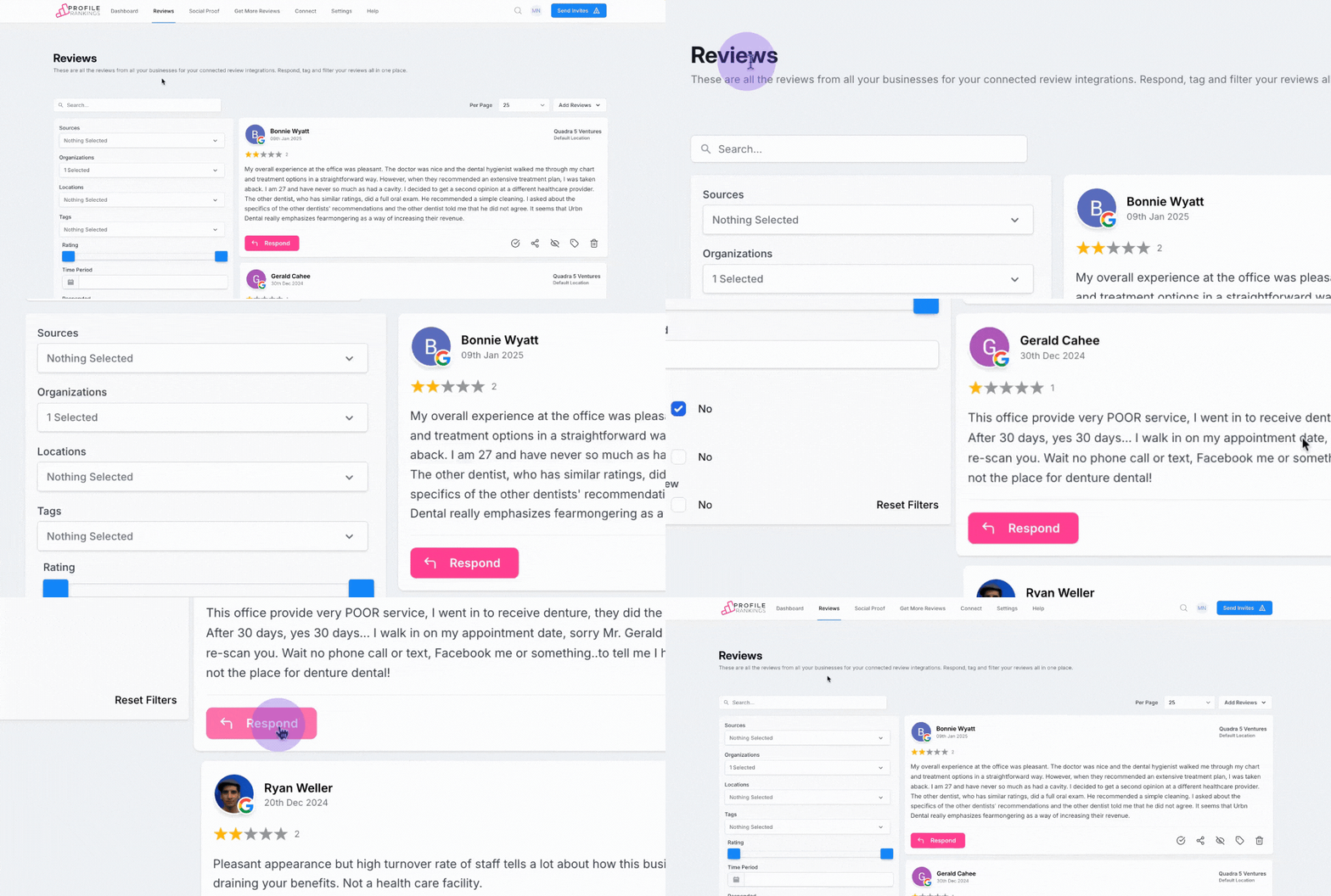
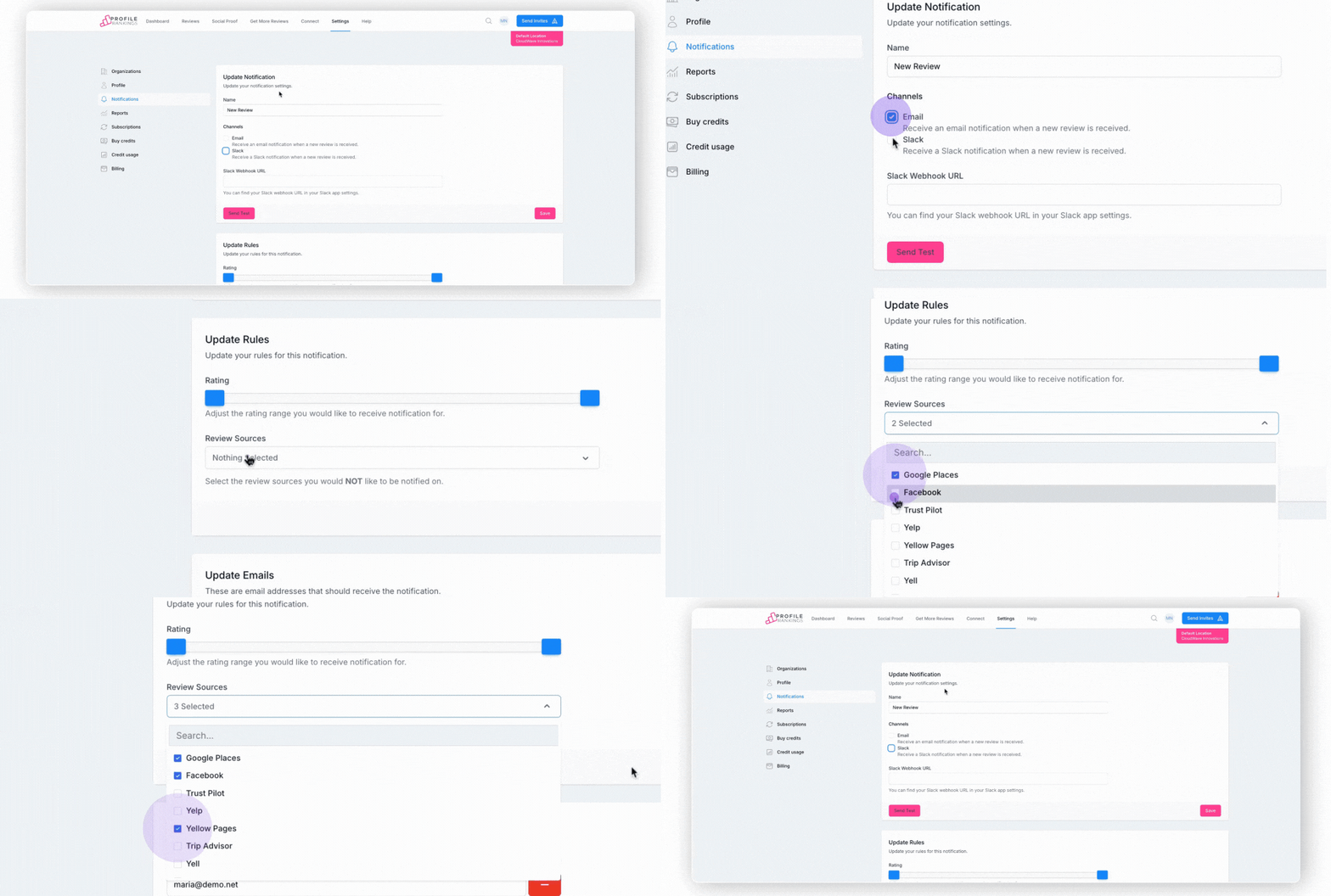
AI surfaces insights from every review. Reply to all platforms from one unified inbox with AI-suggested responses.
- AI reads every review and extracts key themes
- Spot recurring compliments and complaints
- Respond to all platforms from one inbox
- Get AI-generated response suggestions
Step 5
Grow Your Business
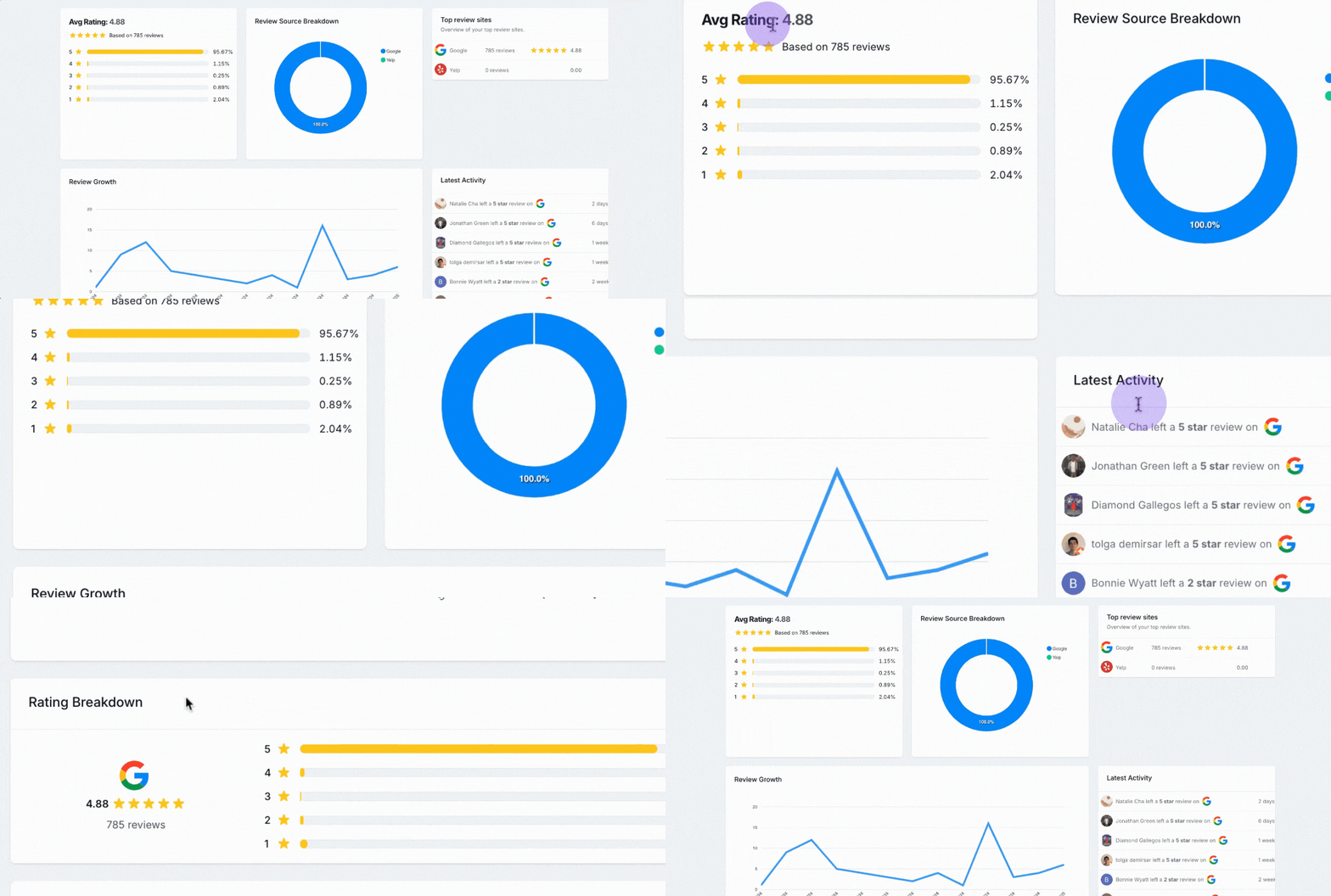
More reviews → higher rankings → more customers. Watch your revenue grow as trust compounds over time.
- More reviews improve your local SEO ranking
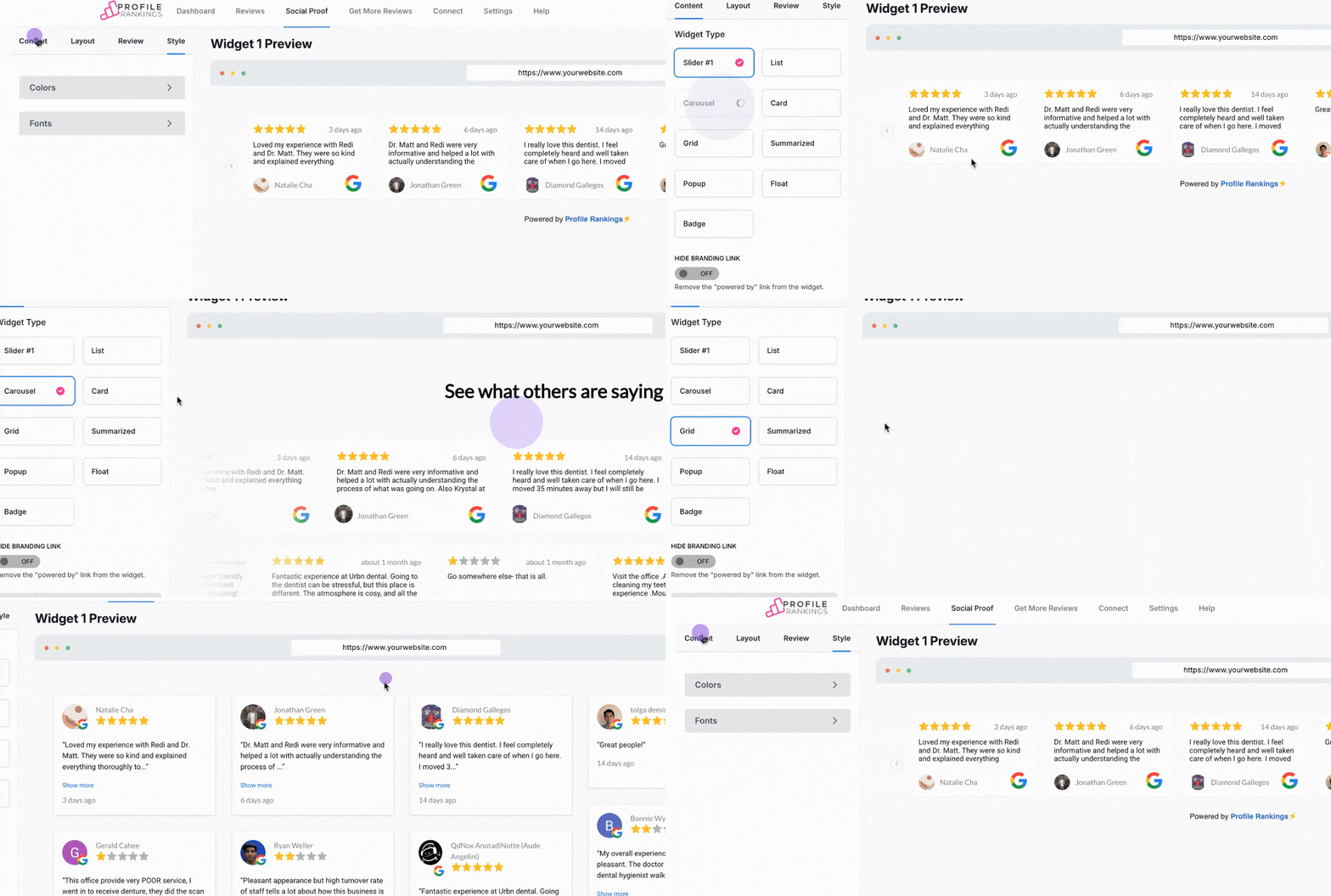
- Embed trust widgets on your website
- Share your best reviews on social media
- Track revenue impact with built-in analytics
Ready to dominate your online reputation?
Join 500+ businesses that use Profile Rankings to collect more reviews, rank higher, and win more customers.
No credit card required
14-day free trial
Cancel anytime